Free URL shortener with click tracking: a guide
What a URL shortener with click tracking can tell you, how to read the numbers honestly, UTM tags, redirects and the limits of free plans.
The difference between dynamic and static QR codes, when to use each, what happens if the service shuts down, and how to print codes that scan.
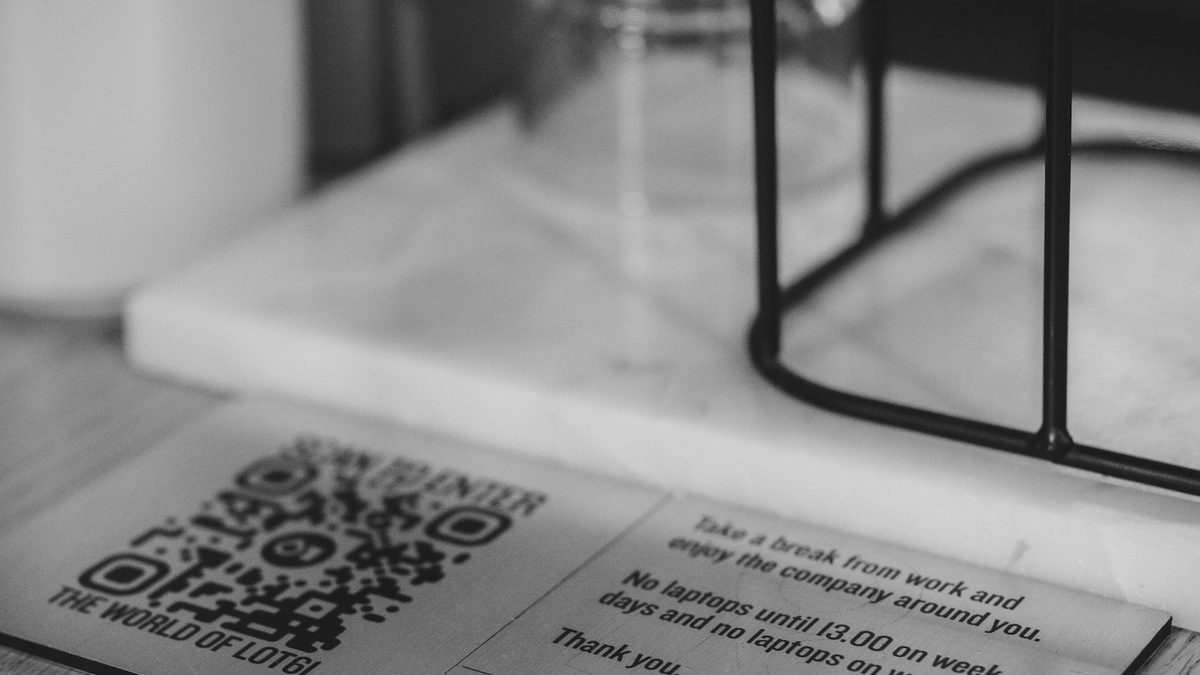
You are about to print 2,000 flyers, 40 table tents or a box of product labels, and the QR code tool asks: static or dynamic? The choice looks technical, but it decides whether you can fix a mistake after printing, whether you will ever know how many people scanned, and whether the code still works in three years.
This guide explains what each kind is, when to use which, and how to print codes that scan the first time.
A QR code is a way of drawing text as a grid of black and white squares. Phones read the squares back into text and act on it: open a web address, join a Wi-Fi network, start a UPI payment, save a contact. The format was created by Denso Wave in Japan in 1994 and is now an international standard, which is why every phone camera can read one.
The amount of text matters. The more you put in, the more squares the code needs, and the denser it looks. A short web address makes a clean, open code that scans from a distance. A long address with tracking tags makes a busy one that needs a steady hand and good light.
A static QR code contains the final content itself. If it is a web address, the phone opens that address directly. If it is Wi-Fi details, the phone joins the network.
Static codes have real advantages:
The catch is that a static code can never change. Spot a typo in the address after printing, move your menu to a new site or end the offer early, and every printed code is now wrong. You also learn nothing about who scanned it, unless the destination website tracks visits on its own.
A dynamic QR code contains a short web address that belongs to the QR service, something like bliink.in/m7Kq. When someone scans it, the service records the scan and sends the phone on to the destination you chose. The phone opens the final page within a fraction of a second, and most people never notice the extra step.
Because the printed code only points to the short address, you can change where it leads any time:
Short addresses also make cleaner, less dense codes, which scan more easily when printed small.
There are two trade-offs. A dynamic code depends on the service that runs the short address. If you stop paying or the company shuts down, the redirect can stop working, and every code you printed stops with it. And a dynamic code only works for content a browser can open, which means web addresses.
In payments, "dynamic QR" means something else. A dynamic UPI QR is generated for a single bill, with the exact amount and a reference number, like the code on a card machine or a billing screen. A static UPI QR is the one stuck on the counter, where the customer types the amount.
Neither kind of UPI code can be a redirecting dynamic QR in the marketing sense. UPI apps such as Google Pay and PhonePe read the payment details (upi://pay and your UPI ID) straight from the code. They won't follow a web redirect to find them. So a UPI code always holds your ID directly, and if your ID changes you reprint. Our guide to UPI payment links and QR codes covers that in detail.
The same goes for Wi-Fi codes, contact cards and plain text. They are static by nature.
Use a static code when:
Use a dynamic code when:
For most businesses the answer is a mix. A café might have a static code for Wi-Fi and UPI at the counter, and dynamic codes on every table that open the menu. A D2C brand might put a dynamic code on the box that leads to a care guide and review page, and change it when the product changes.
The scan numbers are the hidden benefit. Give each placement its own dynamic code: one for the flyer in the gym, one for the poster at the college, one for the leaflet in delivery bags. After two weeks you know which one brought people, instead of guessing.
If the destination is your own website, add UTM tags to the destination (for example utm_source=flyer and utm_campaign=diwali) so the visits show up correctly in Google Analytics too. The short address hides them, so the code stays clean.
Most failed scans come from print and placement, not from the code.
The free QR code maker makes static codes for a link or text, with your colours and dot styles, and downloads them as PNG or SVG for print. Nothing you type is sent to us unless you choose to sign up.
With a free Bliink account, the QR studio makes dynamic codes for web addresses, bio pages, app downloads, Google reviews, social profiles, files and WhatsApp chats, and static codes for UPI, Wi-Fi, contact cards, events, email, phone and text. Dynamic codes can be edited after printing and come with scan statistics. You can make up to 300 dynamic codes at once from a list, which helps with table numbers or product batches, and download print-ready PDF layouts.
Cafés usually start with table codes; see how cafés use Bliink. Shops and makers often put a code on packaging; see Bliink for small shops.
The code itself doesn't, but the short address behind it depends on the service. On Bliink, dynamic codes keep working while your account and the code are active. Before printing in bulk with any provider, read what happens to your codes if you stop paying.
No. The content is drawn into the code itself. If you need to change it, you have to print a new code.
There is one extra redirect, which usually takes a fraction of a second. On a decent mobile connection people won't notice.
A dynamic code can tell you how many scans happened, when, roughly where (city or country) and on what kind of device. It can't tell you the person's name or number.
Not in the redirect sense. UPI apps read your payment details straight from the code, so it has to contain them. A "dynamic UPI QR" in billing means a new code for each bill with the amount filled in.
Cover photo: Haberdoedas on Unsplash.
Static codes are free with no sign-up. Sign in to make a dynamic one you can edit after printing.
What a URL shortener with click tracking can tell you, how to read the numbers honestly, UTM tags, redirects and the limits of free plans.

How independent musicians in India can use one smart link for a new single or EP: what to put on it, pre-saves, and how to read the clicks.
How Indian D2C brands can build an Instagram ad landing page that loads fast in the in-app browser, matches the ad and turns clicks into orders.